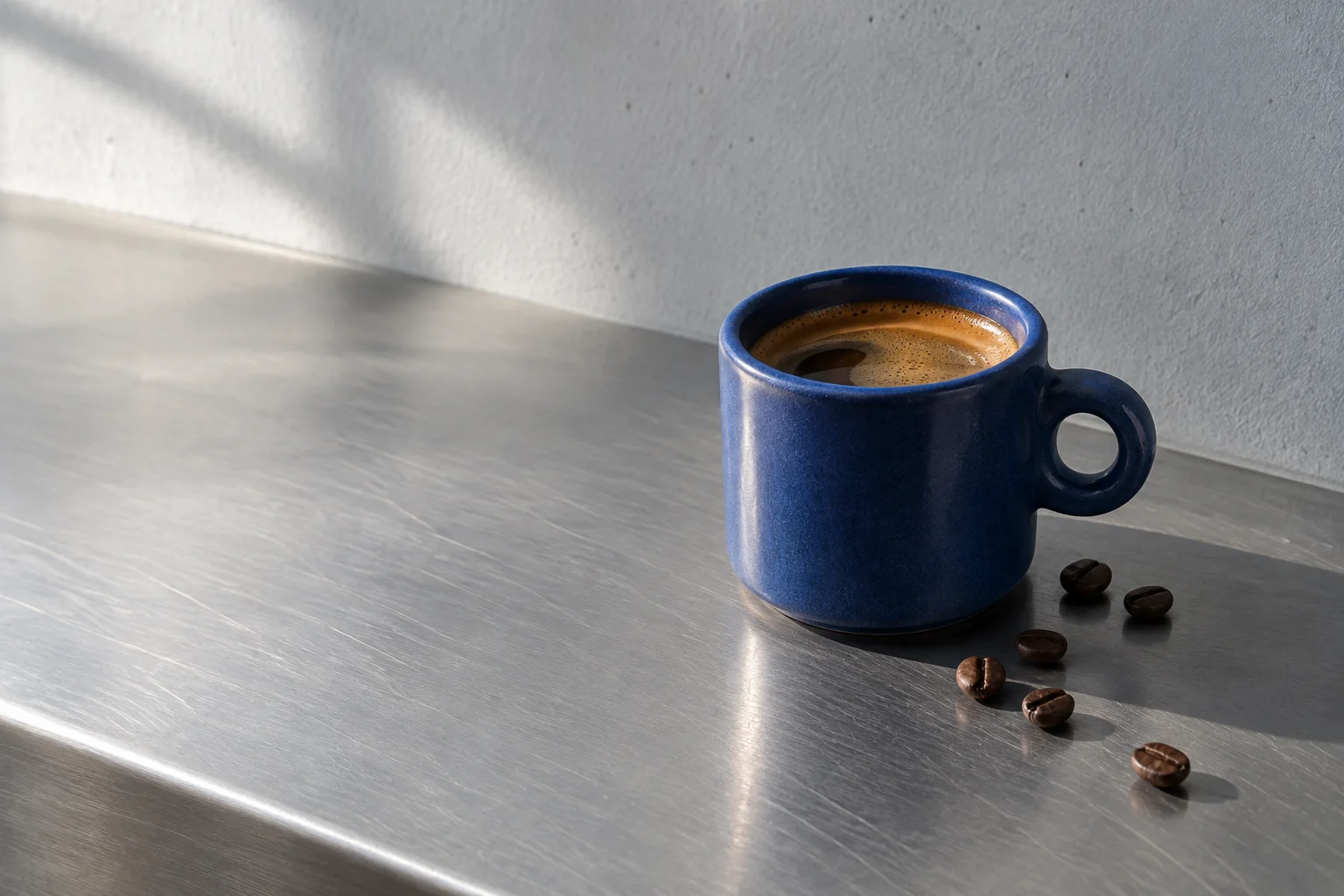
Brand Image
A responsive picture with focal point and loading priority.
import { BrandImage } from '@brand-studio/ui';
import { cup } from '@/demos/assets';

export default function BrandImageDemo() {
  return (
    <div style={{ width: '100%', maxWidth: 560, aspectRatio: '3 / 2', borderRadius: 'var(--bs-radius)', overflow: 'hidden' }}>
      <BrandImage asset={cup} sizes="(min-width: 768px) 560px, 100vw" />
    </div>
  );
}
Installation
pnpm add @brand-studio/ui
npm install @brand-studio/ui
yarn add @brand-studio/ui
Install the peer dependencies
npm install react react-dom
Import the stylesheet once
import '@brand-studio/ui/styles.css';
Wrap your app in a brand theme
import { BrandTheme, BrandImage } from '@brand-studio/ui';
import brand from './brand.json';

<BrandTheme palette={brand.tokens} mode="system">
  {/* your app */}
</BrandTheme>
Usage
import { BrandImage } from '@brand-studio/ui';
<BrandImage asset={cup} sizes="(min-width: 768px) 50vw, 100vw" />
Accessibility
priority loads the image eagerly with high fetch priority; use it for the first image on a page.focalPoint keeps the subject in frame when the image is cropped.
API Reference
| Prop | Type | Default |
|---|
asset | ImageAsset | – |
|---|
priority? | boolean | false |
|---|
className? | string | '' |
|---|
sizes? | string | '100vw' |
|---|